Address
304 North Cardinal
St. Dorchester Center, MA 02124
Work Hours
Monday to Friday: 7AM - 7PM
Weekend: 10AM - 5PM
Address
304 North Cardinal
St. Dorchester Center, MA 02124
Work Hours
Monday to Friday: 7AM - 7PM
Weekend: 10AM - 5PM


Create a professional home office that boosts productivity with smart design tips, ergonomic furniture, and inspiring decor for your workspace.
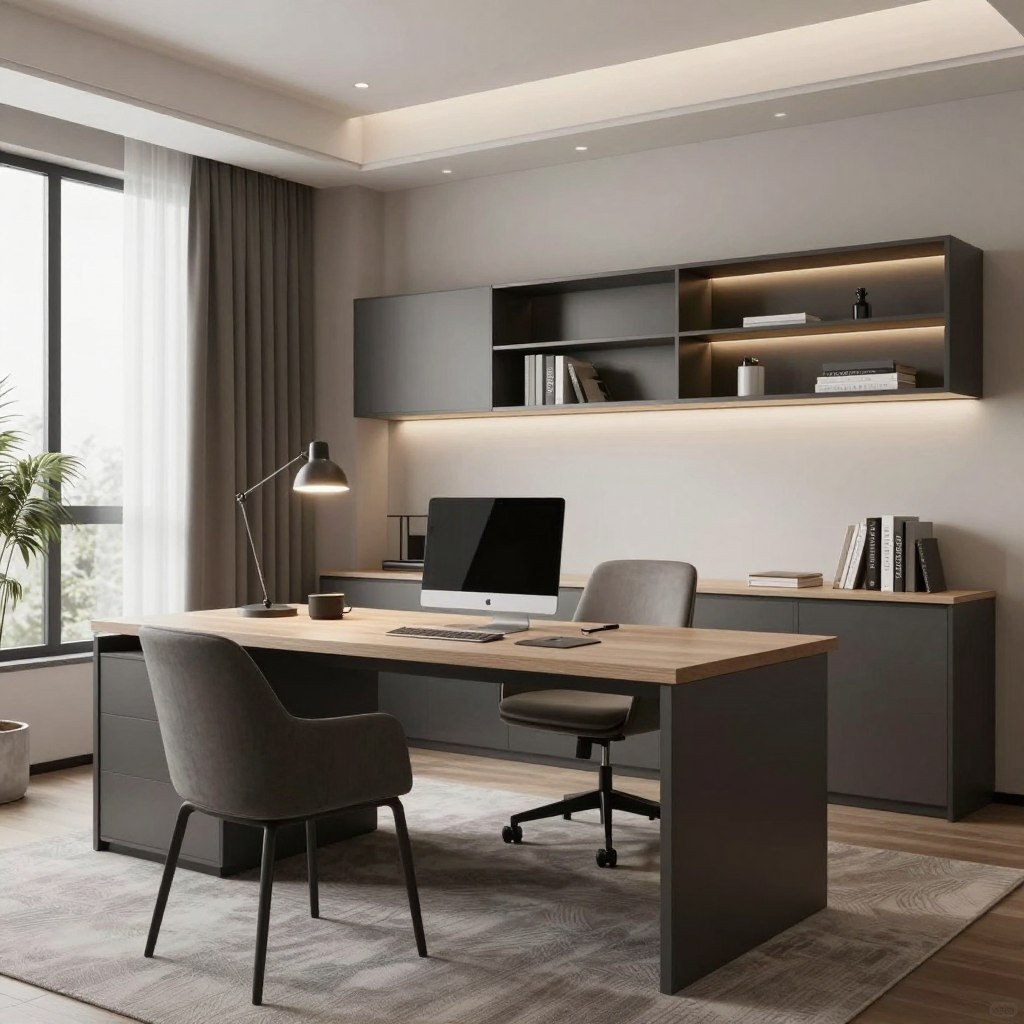
Working from home is now common for millions in America. It’s not just about having a desk and computer. Creating a professional home office needs careful planning and design choices. Your workspace affects your mood and productivity every day.
Nearly 27% of Americans work from home now. This number is growing as more companies allow remote work. Having the right environment is key. A well-designed home office boosts your energy and focus.
This guide will help you create your perfect workspace. You’ll learn how to choose the best spot in your home. Discover furniture that supports your body and keeps you comfortable. Find out which tools and technology you need to do your job well.
Your work environment impacts your mood and productivity. The right lighting, colors, and organization systems make a space you enjoy. You’ll also learn to balance work and personal life in one place.
Getting your home office right saves you time and stress daily. It shows you value your work and career goals. Let’s start building the workspace you deserve.
Having a dedicated workspace at home changes how you work and live. A professional home office is your command center for success. It keeps your job duties separate from your personal life. This dedicated space tells your brain it’s time to work, helping you focus quickly.
Working from home without a structured setup leads to more distractions. Family members interrupt you, and household chores call for attention. The kitchen feels too close. Research shows employees with a structured office space complete tasks 20% faster. A professional home office creates boundaries that protect your work time.
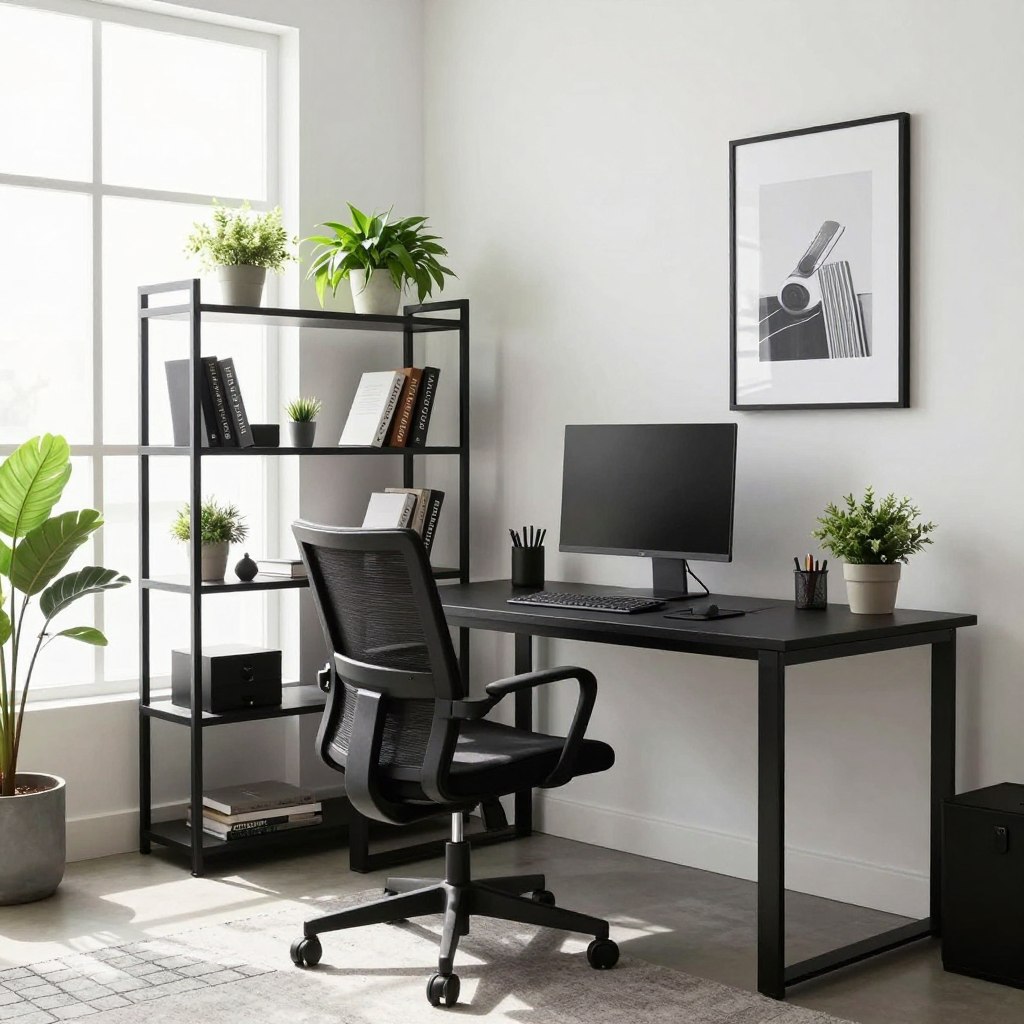
Investing in your workspace has many benefits. Your physical environment affects your mental state and work quality. When your office looks professional and organized, you bring your best self to work.
Productivity tips for working from home start with your environment. A clean, organized desk reduces mental clutter and helps you focus. When everything has a place, you waste less time searching for files or supplies.
Your workspace design impacts your daily accomplishments. A focused environment keeps your attention on work goals, not household chaos.
A separate office space helps you leave work behind when the day ends. You can close the door and start personal time without work stress. This physical separation creates emotional distance from work stress.
Your office atmosphere shapes your attitude toward work. A bright, comfortable space makes you feel motivated and energized. When you enjoy your office, work feels less like an obligation and more like a choice.
Small touches make big differences. Adding plants, using pleasant colors, and ensuring proper lighting create an inviting workspace. Your professional home office becomes a place where you want to spend your time, not a space you dread entering each morning.
The spot where you set up your home office is key to your productivity and quality of work. It’s important to think about noise levels, natural light, and how it fits with your family life. Your workspace should be in a place that helps you focus and communicate well.
Before deciding, walk around your home at different times. See which areas are calm and which are busy. Think about how sound moves in your home. Your work area needs to be quiet enough for deep focus.
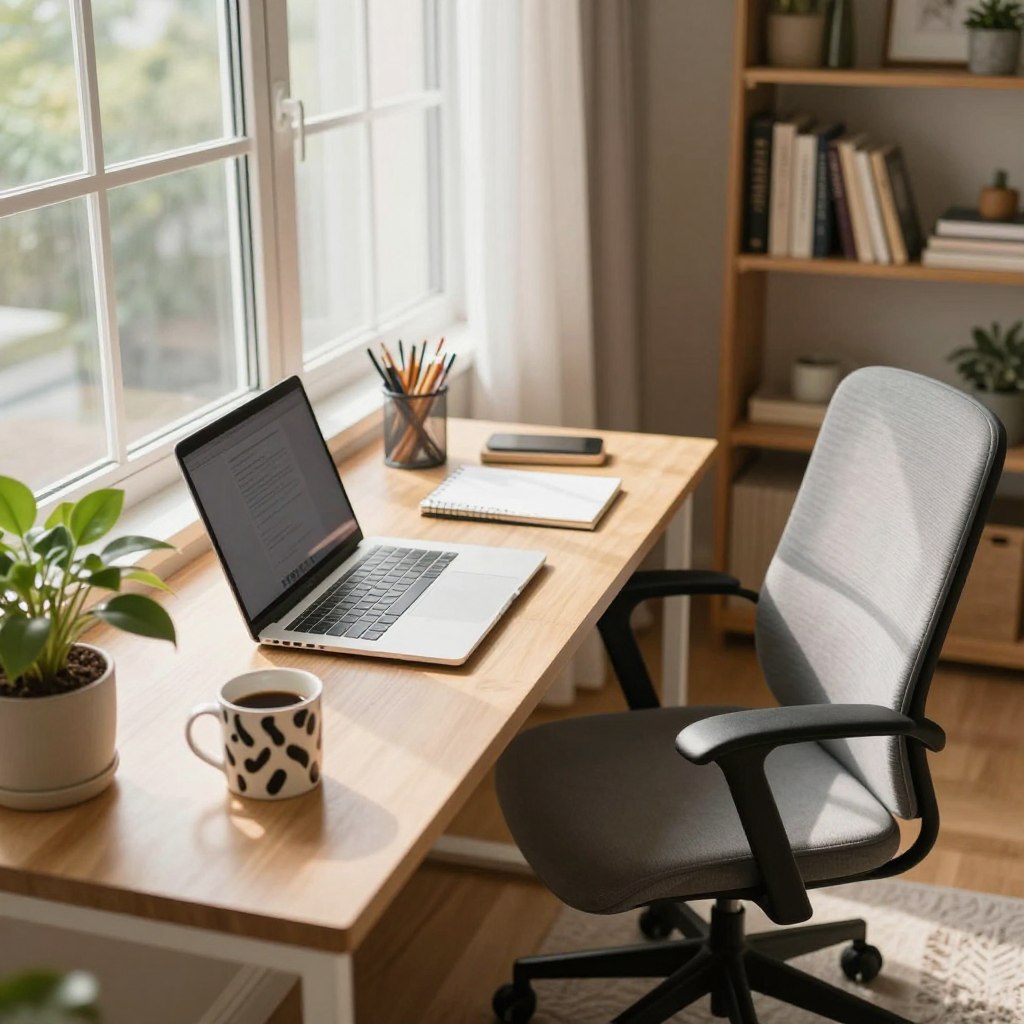
Any noise over 60 decibels can make it hard to concentrate. Look for rooms away from busy areas like kitchens and living rooms. Bedrooms or spare rooms are often good for quiet work.
Natural light makes you feel better and more energetic. Windows bring in sunlight and help your eyes not get tired from screens. Try to put your desk near a window, but avoid direct glare on your monitor.
| Light Source | Benefits | Drawbacks |
|---|---|---|
| North-Facing Windows | Steady, consistent light all day | Less bright intensity |
| South-Facing Windows | Bright, energizing light | Can create glare and heat |
| East-Facing Windows | Morning light boosts alertness | Light diminishes by afternoon |
Living with family means finding a balance between privacy and connection. Place your office where you can see or hear family without being interrupted too much. This way, you can stay connected to your family while focusing on work.
“The best home office location lets you stay engaged with family life while protecting your professional time.”
Here are some tips for choosing a spot:
Finding the right spot makes your work easier and keeps your family close.
Your home office furniture choices greatly impact your work experience. The right pieces support your body, keep you organized, and make your workspace enjoyable. Investing in quality ergonomic office furniture prevents pain and keeps you focused on your work.
Think about your daily needs when choosing furniture. A good chair supports your back. A proper desk puts your screen at eye level. Smart storage keeps clutter away. These elements create a workspace that feels good and works hard for you.
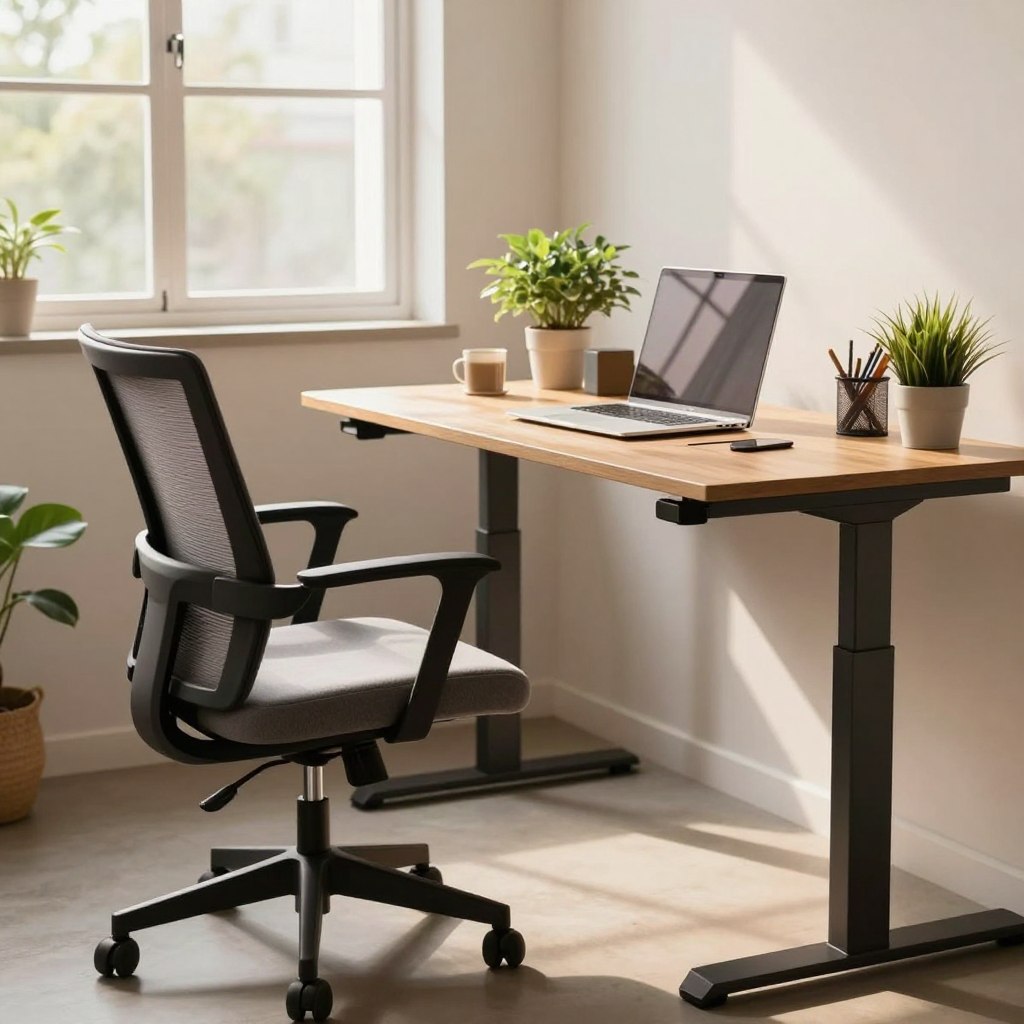
Your chair is key to comfort. An ergonomic chair should support the natural curve of your spine. Look for models with adjustable lumbar support that fit different body types. The seat height should let your feet rest flat on the floor with your knees at 90 degrees.
An adjustable desk lets you switch between sitting and standing throughout your day. This movement boosts circulation and reduces strain on your joints. Your monitor should sit at arm’s length away, with the top of the screen at eye level when you sit or stand.
| Desk Feature | Sitting Position | Standing Position |
|---|---|---|
| Height Range | 28-30 inches | 40-46 inches |
| Monitor Distance | 20-26 inches away | 20-26 inches away |
| Keyboard Position | Elbows at 90 degrees | Elbows at 90 degrees |
Good storage keeps your workspace clean and your mind clear. File cabinets, shelves, and drawers should be within arm’s reach. Organize papers by project or deadline. Keep supplies in labeled containers so you find what you need fast.
Quality furniture is an investment in your health and productivity. When your body feels supported and your space stays organized, work becomes easier and more enjoyable.
Having a solid tech base is key for remote work success. You’ll need reliable internet, top-notch hardware, and useful software. The right tech setup helps you work better and avoid frustration. Here’s what you need for a great home office.
For remote workers, fast internet is a must. Experts say you need at least 25 Mbps for video calls and daily tasks. If you have a big household, aim for 50-100 Mbps to avoid slow downs.
Use tools like Speedtest by Ookla to check your speed. If it’s too slow, talk to your internet provider about a better plan. Also, get a modern router like the NETGEAR Nighthawk or ASUS RT-AX88U for better coverage.
Good software makes your work flow better and keeps you organized. Here are some must-haves:
These tools work well together and save you time by reducing app switching.
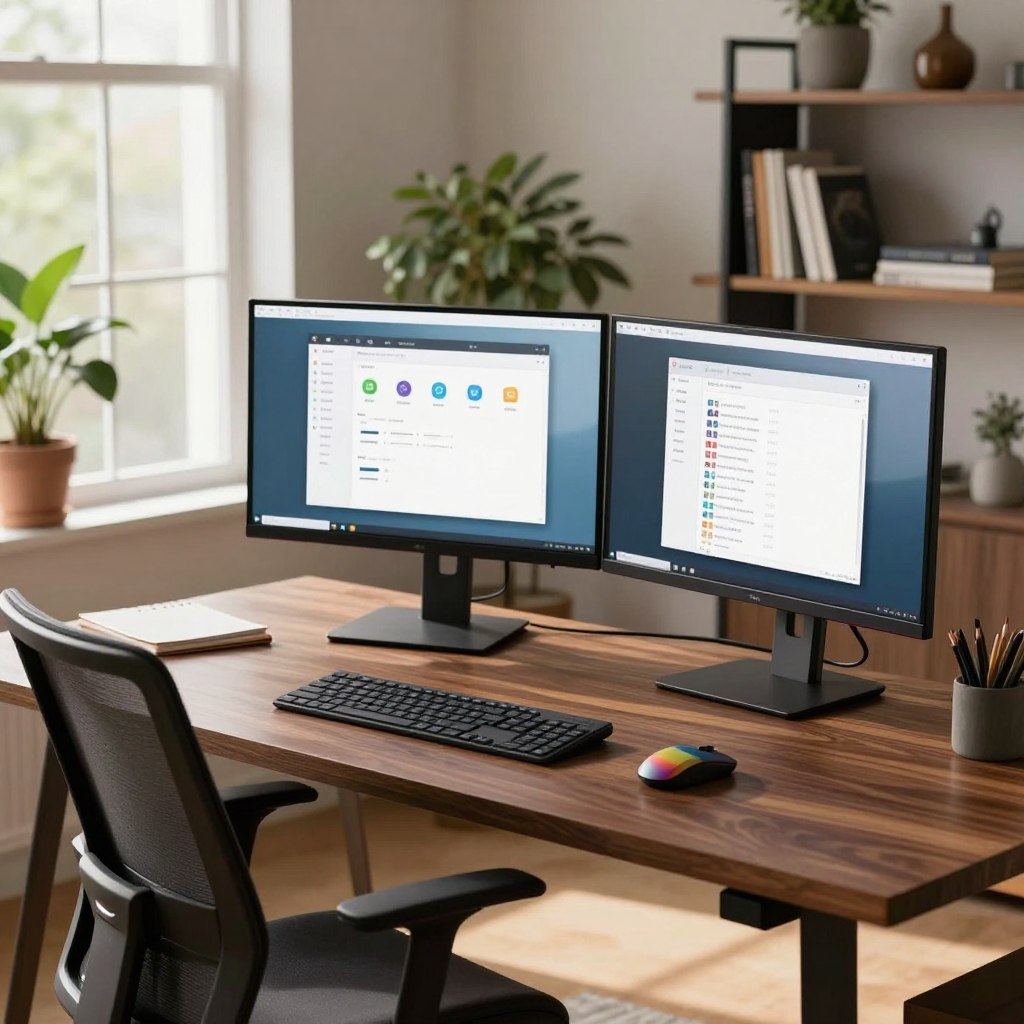
A dual-monitor setup makes you more productive. One screen for your main work and another for emails or chat messages. Choose 24-27 inch monitors with 1920×1080 resolution.
| Equipment | Purpose | Recommended Brand | Price Range |
|---|---|---|---|
| External Monitor | Expanded workspace and reduced neck strain | Dell UltraSharp, LG UltraFine | $200-$400 |
| Mechanical Keyboard | Comfortable typing for long hours | Keychron, Corsair | $80-$150 |
| Noise-Canceling Headset | Clear communication in video calls | Jabra Evolve, Sony WH-1000XM5 | $150-$350 |
| Webcam | Professional appearance on video calls | Logitech C922, Razer Kiyo | $60-$130 |
| External Hard Drive | Backup and additional storage | Seagate, Western Digital | $50-$120 |
Good accessories make your work easier and look better. Noise-canceling headsets block out distractions, and an external keyboard and mouse prevent injuries. These investments make your work more comfortable and productive.
Your home workspace should be a place you love to be every day. A well-designed office does more than look good. It makes you feel better, boosts your creativity, and makes work easier.
The best spaces mix function with personality. They show who you are while keeping you focused and full of energy.
Your workspace tells your story. Add items that mean a lot to you, like family photos or souvenirs. These touches make a room feel like home.
Surrounding yourself with things you love makes work more fun. A stylish home office setup combines your favorite pieces with useful furniture and smart organization.
Colors affect how we feel and think. Blue helps you focus and stay calm. Green energizes your mind and reduces stress. Warm colors like soft yellows make you feel friendly and warm.
When picking office decor, choose colors that fit your work style. Cool colors are great for detail work. Warm colors boost motivation and creativity.
| Color | Effect on Mood | Best For |
|---|---|---|
| Blue | Calm and focused | Detail-oriented tasks |
| Green | Balanced and refreshed | Creative work |
| Warm Yellow | Energetic and uplifting | Problem-solving |
| Soft Gray | Professional and neutral | Video calls and meetings |
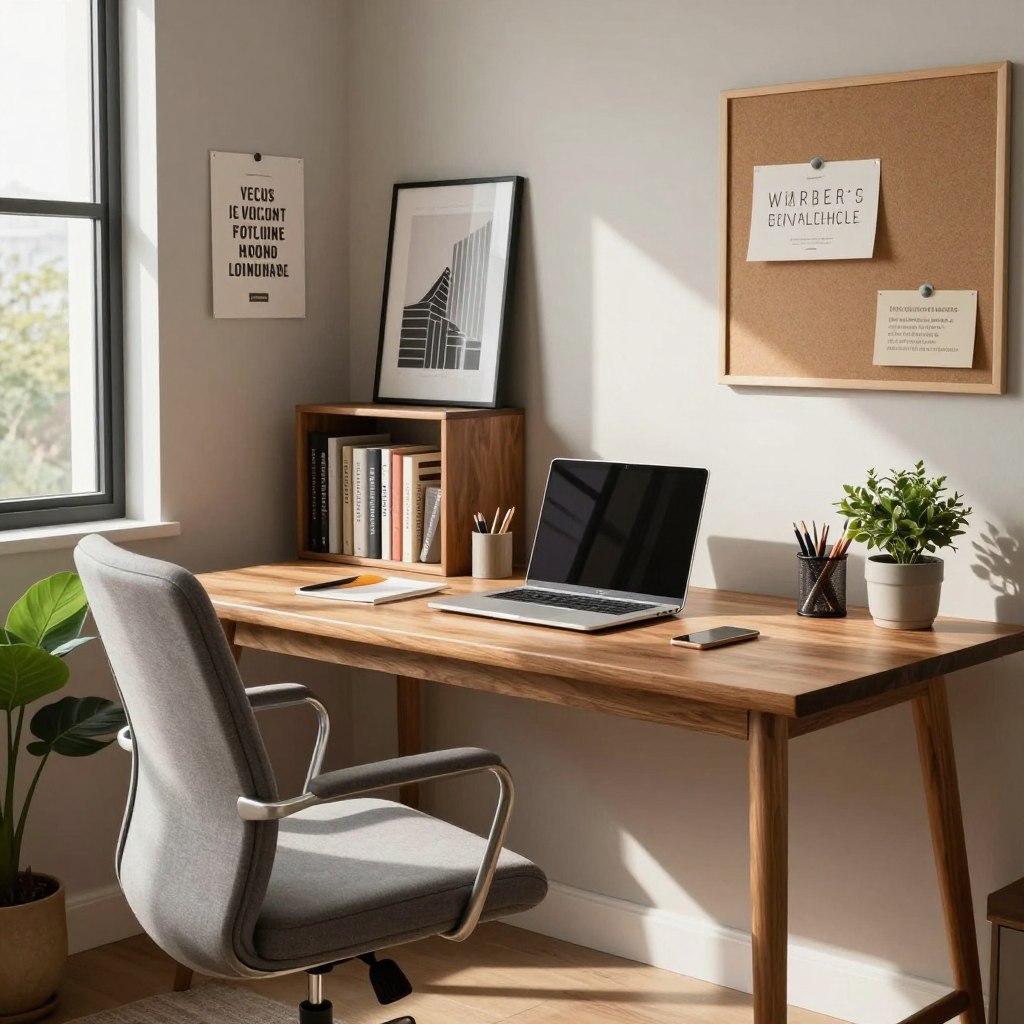
Adding plants to your workspace is great for your mind and air quality. Studies show indoor plants can reduce stress by up to 15 percent. Snake plants and peace lilies are perfect for offices and need little care.
Plants bring life and color to any room. They also purify the air naturally, helping you breathe better while you work.
Nature-inspired elements create a calm atmosphere. Try adding a small water fountain for gentle sound, wooden desk accessories, or nature photography. These touches connect you to the outdoors without leaving your desk. Your home workspace design improves when nature is part of the décor.
Building an inspiring workspace takes careful choices. Mix personal items with smart color choices and living plants. Your stylish home office setup becomes a place you genuinely want to work in, day after day.
Getting the right lighting in your home office is key for your health and work. Staring at screens for over six hours a day can lead to eye strain and headaches. The right mix of natural and artificial light keeps you alert and focused, even when energy drops in the late afternoon.
Good lighting reduces fatigue and boosts your work efficiency. It’s important to have three main types of light in your workspace. Each type has a different role to play in supporting your eyes and mood.
Natural light is your best ally when working from home. Place your desk near a window to get the most daylight without glare on your screen. Sunlight improves your mood and helps keep your sleep cycle regular.
Artificial lighting fills in when natural light is scarce. You need to balance both to avoid eye strain. On cloudy days or in the evening, overhead lights and desk lamps keep your space bright and comfy.
Task lighting focuses on your work area, where you need the most light. LED desk lamps with adjustable color temperatures are ideal for home offices. They let you switch from warm tones at night to cool tones during the day. Adjustable arms direct light exactly where needed, avoiding shadows.
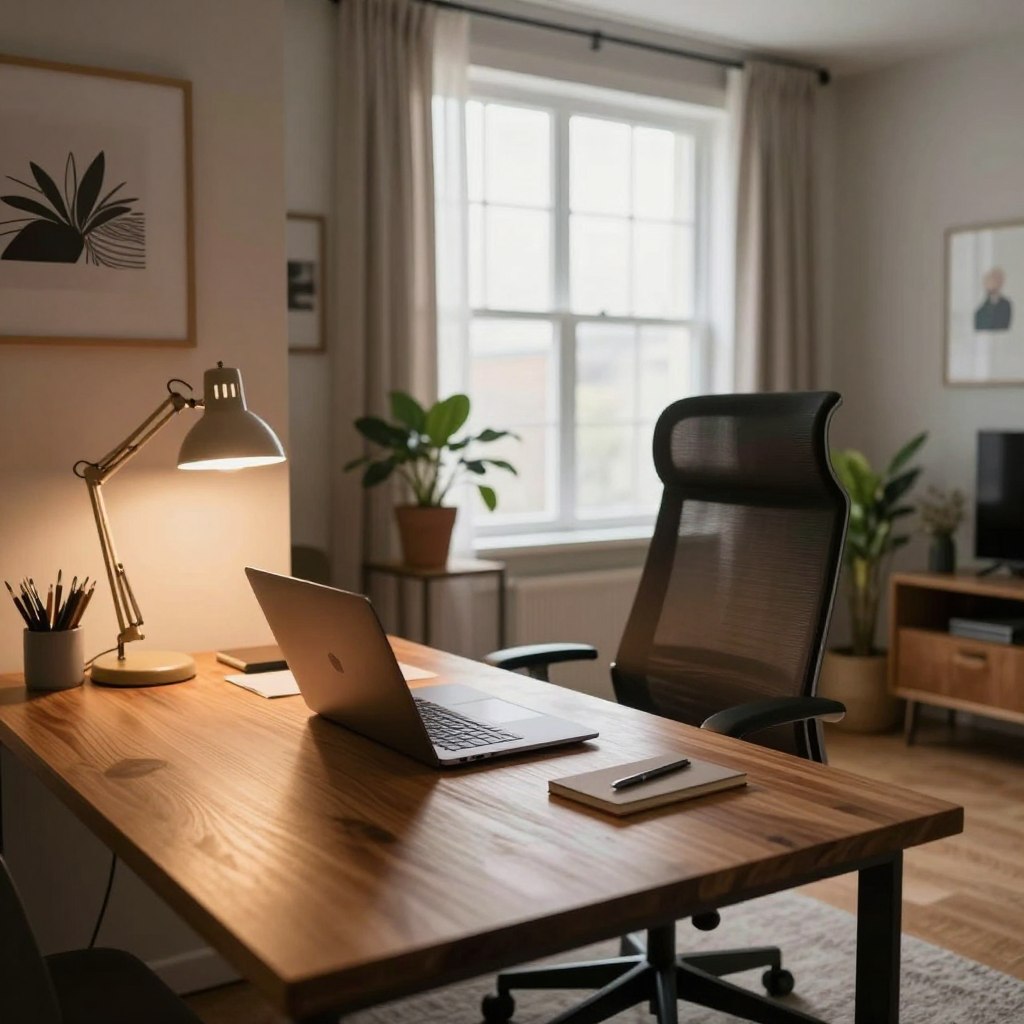
Ambient lighting provides overall light for your office space. Choose soft white bulbs for overhead lighting to reduce eye fatigue. This sets the base for your workspace’s brightness.
Layer your lighting for the best effect. Start with overhead lights, add a desk lamp for focused work, and a secondary light to eliminate dark spots. This approach prevents shadows and creates a comfortable environment.
| Lighting Type | Color Temperature | Best Use | Eye Strain Prevention |
|---|---|---|---|
| Natural Light | 5500K (daylight) | Morning and midday work | Boosts alertness and mood |
| Task Lighting | 3000K-4000K (cool white) | Focused work at desk | Reduces shadows on work surface |
| Ambient Lighting | 2700K-3000K (warm white) | General workspace illumination | Creates comfortable background light |
| Evening Lighting | 2700K (soft white) | Late afternoon and evening work | Helps maintain natural sleep cycle |
Avoid placing light sources directly behind your monitor. This creates a bright halo that strains your eyes when looking at the screen. Instead, position lights to the sides or in front of your work area. This setup keeps glare off your display and maintains comfortable contrast between your screen and surroundings.
A messy desk can make your mind feel cluttered too. When your desk is a mess, finding what you need takes too long. This makes it hard to focus on your work. Getting your office organized can really help you work better and make remote work easier.
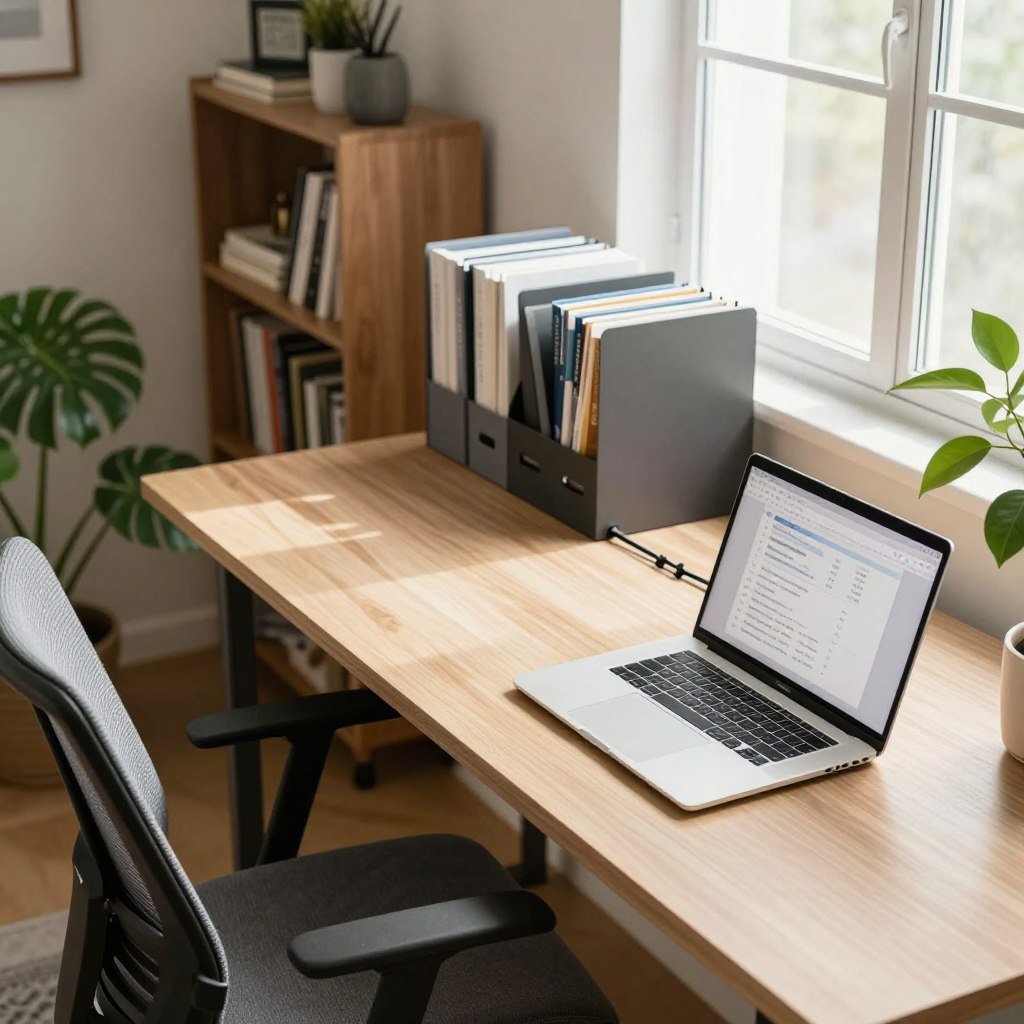
Wires tangled behind your desk can look messy. Keeping your cables organized makes your office look neat and professional. This is key when you’re on video calls. Using cable sleeves, clips, and boxes can hide messy cords, making your office look great.
Keeping your virtual office tidy means regular cleaning. Use the “one-in, one-out” rule to keep things balanced. Check your desk every week and get rid of things you don’t use often. Only keep what you need right there.
A good filing system saves a lot of time. Make folders for different projects and clients. Label everything clearly and keep both physical and digital files organized.
| File Type | Organization Method | Storage Location |
|---|---|---|
| Financial Documents | By Year and Category | Locked Filing Cabinet |
| Project Files | By Project Name | Desktop Shelving |
| Client Information | Alphabetically by Company | Drawer Organizers |
| Reference Materials | By Subject Matter | Wall-Mounted Shelves |
Organizing your home office reduces stress and improves focus. Start organizing your office this week. You’ll work better and feel more in control.
Working from home can make it hard to separate work from personal life. It’s important to take regular breaks for your mental health and work quality. Your brain needs breaks to rest and recover.
A well-designed break area in your home office gives you a place to recharge. It’s a space to step away from work stress. This area should feel different from your desk.
Your brain works best when it gets breaks. Research shows breaks improve focus and creativity. The Pomodoro Technique suggests working for 25 minutes, then taking a 5-minute break.
Skipping breaks can lower your work quality. You might make more mistakes and feel tired faster. Short breaks help you come back to work with fresh energy.
Your break area doesn’t need to be big. A comfortable chair, small table, or cushioned spot works well. Keep it separate from your desk to create mental distance from work. Add soft lighting or a window view if possible.
Use your break time wisely. Simple activities can refresh your mind and body. Stretching loosens tight muscles from sitting. Deep breathing calms your nervous system. Short walks around your home boost circulation and mood.
| Break Activity | Duration | Benefits |
|---|---|---|
| Stretching Exercises | 3-5 minutes | Reduces muscle tension, improves flexibility |
| Meditation or Deep Breathing | 5-10 minutes | Lowers stress, enhances focus |
| Short Walk | 5-10 minutes | Increases energy, boosts mood |
| Reading or Journaling | 5-15 minutes | Mental rest, emotional release |
| Hydration and Healthy Snack | 5 minutes | Replenishes energy, supports wellness |
Prioritizing these moments of rest leads to higher quality work output throughout the week. Your break area becomes a valuable part of your home office setup. You will notice improved concentration and better work results when you honor your need for rest.
Creating a structured work schedule is key when working from home. It tells your brain when to work. A consistent schedule keeps you organized and productive. It also keeps work out of your personal time.
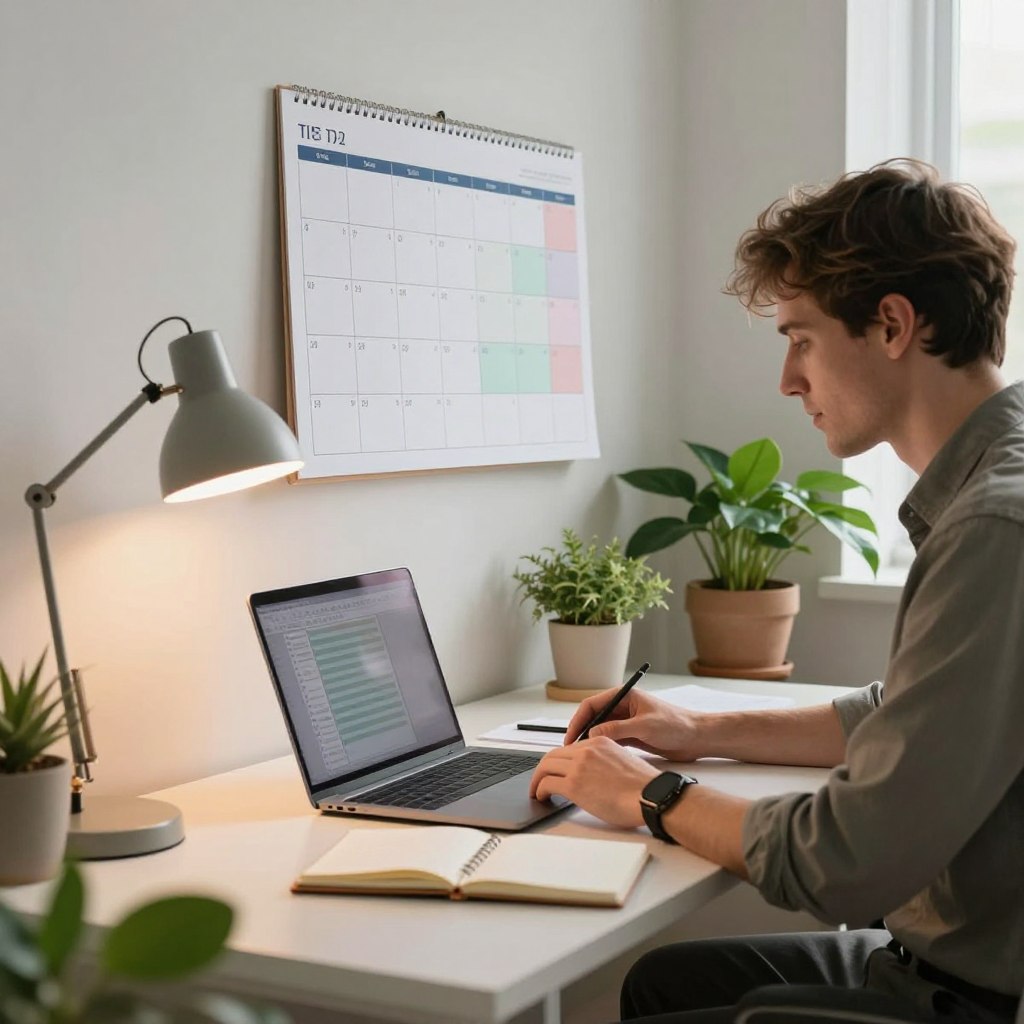
Creating the right routine takes planning and commitment. Decide when to start work, take breaks, and end your day. Sticking to the same schedule every day helps your mind and body adjust.
Start your day at the same time each morning. Eat breakfast before work. Wear professional clothes, not pajamas. These steps prepare you for work.
Plan your day’s tasks. Do your hardest work when you have the most energy.
Your family needs to know your work hours. Tell them clearly. Use a “do not disturb” sign during important tasks.
Explain that closed doors mean you can’t be interrupted. Set specific times for family activities.
| Boundary Type | How to Implement | Expected Benefit |
|---|---|---|
| Work Hours | Post your schedule on the refrigerator | Family knows when not to interrupt |
| Meeting Times | Place a “do not disturb” sign on your door | Maintains professional communication |
| Break Times | Schedule family time during lunch | Strengthens relationships and work focus |
| End of Day | Close your office door at quitting time | Signals transition to personal time |
Time-blocking is great for organizing your work. Assign specific hours for different tasks. Use morning for important work and afternoons for meetings and emails.
The Pomodoro Technique is also helpful. Work for 25 minutes, then take a 5-minute break. After four cycles, take a 15-minute break. This keeps you focused and prevents burnout.
Clear work hours and good time management boost your productivity. Boundaries protect your work quality and personal life. Following these practices keeps your work and home life separate.
Working from home means staying connected with your team online. Online collaboration tools are key for remote work. They help you talk, share files, and manage projects from home. Learning these tools keeps you productive and in touch with your team.
Choosing the right tools is the first step to a strong virtual office. The tools you pick affect how well your team works together. Let’s look at the main types of collaboration software that can improve your home office.
Video calls are now a must for remote teams. Zoom has over 300 million users every day. It lets you talk face-to-face without going to an office.
Tools like Asana and Trello help organize your work. They make it clear what needs to be done and who’s doing it.
Apps like Slack keep your team in touch all day. Quick messages cut down on long emails.
These tools work best with clear rules for your virtual office. Decide which tool is for what. This avoids confusion and keeps everyone on the same page.
Working from home can make it hard to separate work from personal life. It’s important to learn to stop working when the day is over. Without clear boundaries, you might burn out and lose the fun in both work and home.
Creating habits helps you move from work to personal time. This change tells your mind and body it’s time to relax. The goal is to make this transition automatic, so you naturally disconnect when your workday ends.
Set specific times for your workday. Being consistent is key. Working from 9 a.m. to 5 p.m. every day helps your family know when you’re available. It also helps your brain know when to work and when to rest.
Staying disciplined with work hours prevents stress from creeping into your evening.
Your workspace should feel different from your relaxation areas. Use a specific room or corner just for work. When you leave that space, mentally leave work behind.
This separation teaches your brain to switch gears. A guest bedroom, basement corner, or spare closet can become your professional area. The size doesn’t matter. What matters is having a dedicated place you can leave at the end of the day.
Develop a shutdown ritual that marks the end of your workday. This might include closing your laptop, tidying your desk, or changing your clothes. These actions signal completion.
A consistent shutdown routine trains your mind to release work stress. Over time, these actions become powerful signals that the workday is truly over.
The investment you make in maintaining boundaries pays off in reduced stress and better sleep quality. Your home becomes a genuine refuge, not an extension of the office.
Your home office should grow and change as your work does. Think of it as a living area that adjusts to fit your needs. Every six months, take time to review what works and what doesn’t. This habit keeps your office fresh and functional for the long term.
Start by asking yourself tough questions about your setup. Does your ergonomic office furniture support your back during long work sessions? Are you comfortable when you sit for eight hours? Pay attention to any aches or pains that show up at the end of the day. These signals tell you what needs to change.
Write down what bothers you. Maybe the desk height feels wrong. Perhaps the chair doesn’t roll smoothly. Maybe the lighting causes eye strain. Small problems add up and hurt your productivity. Take these notes seriously and use them to guide your upgrades.
Your work life changes over time. You might take on new projects that need different tools. Your family situation could shift. Your health needs might change. Your office setup should adapt along with these changes. Don’t stay stuck with furniture or office decor ideas that no longer fit your life.
Consider switching to modular pieces that flex with your space. A desk that adjusts in height works for standing and sitting. Shelving units you can move around adapt to new storage needs. These flexible choices help you stay comfortable as circumstances shift.
Modern home offices lean toward smart, efficient setups. Companies like Herman Miller and Steelcase create furniture that saves space while keeping workers comfortable. Brands such as IKEA offer modular solutions that fit apartments and small rooms. These options prove you don’t need a huge space to work well.
New trends focus on wellness and balance. Sit-stand desks gain popularity. Plants bring life into workspaces. Soft colors and natural materials reduce stress. Smart lighting adjusts throughout the day. Stay aware of these shifts and pick ideas that feel right for you. Your home office serves you best when it evolves with your needs and goals.